Measure the sound of your life. Then share it.

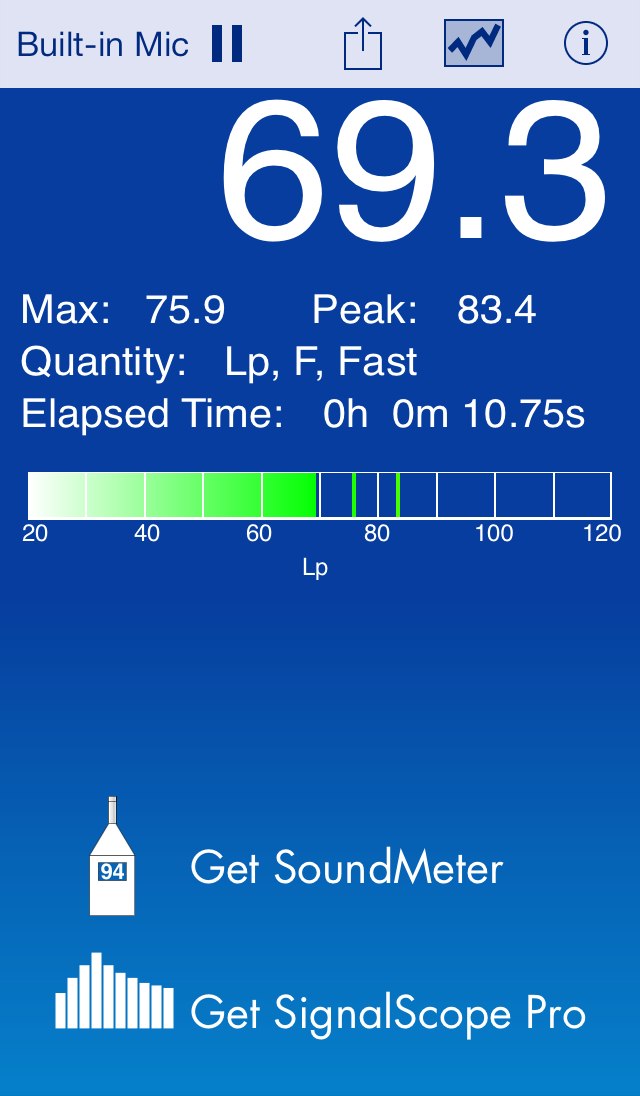
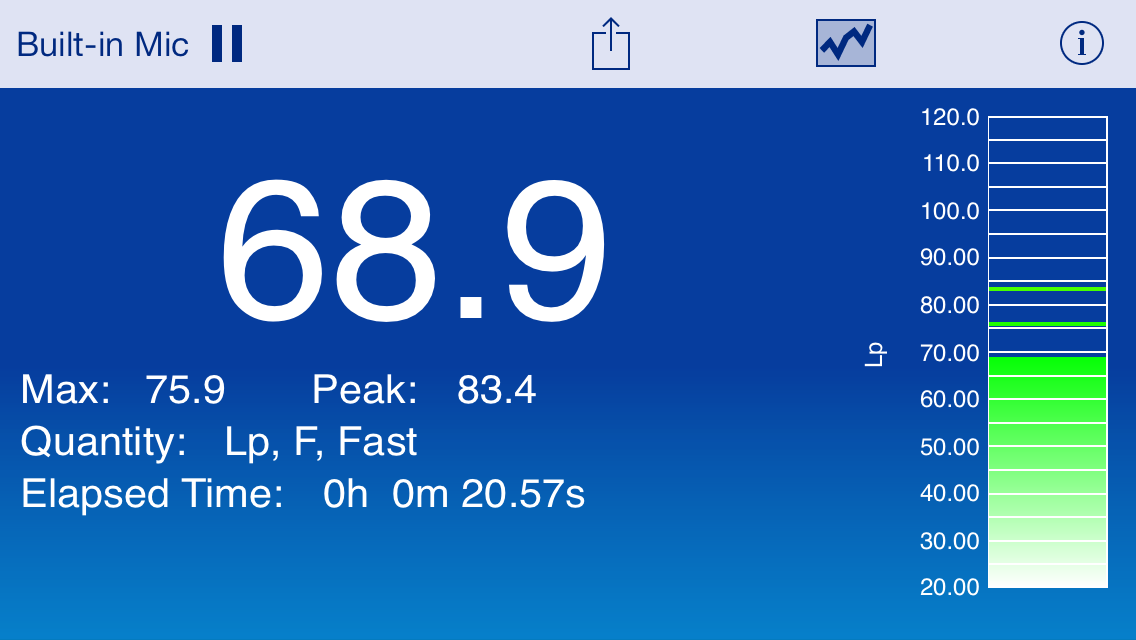
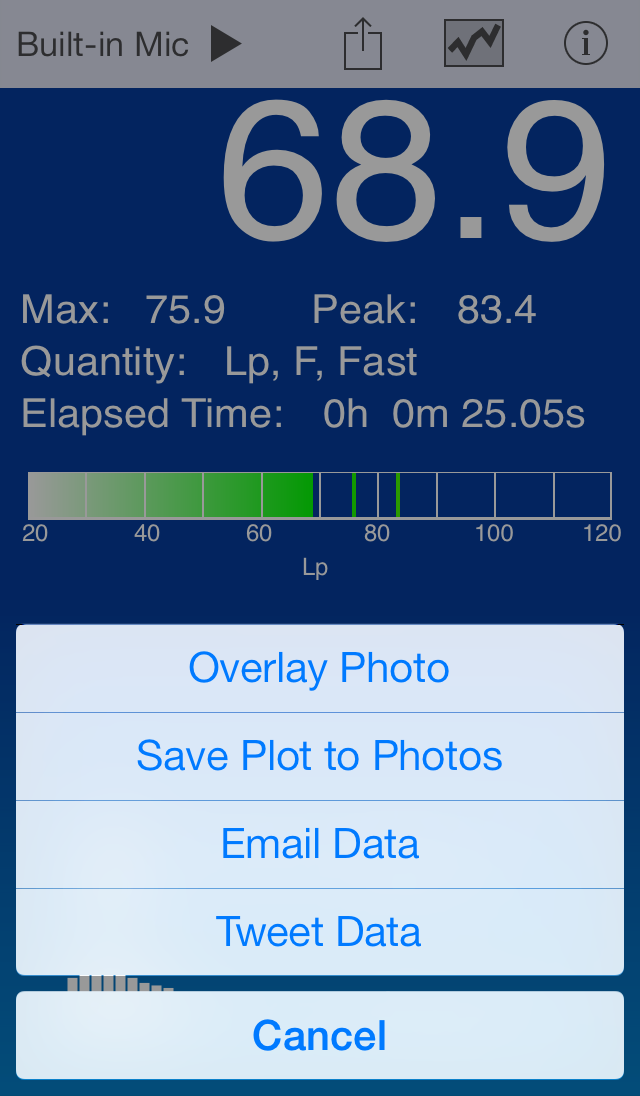
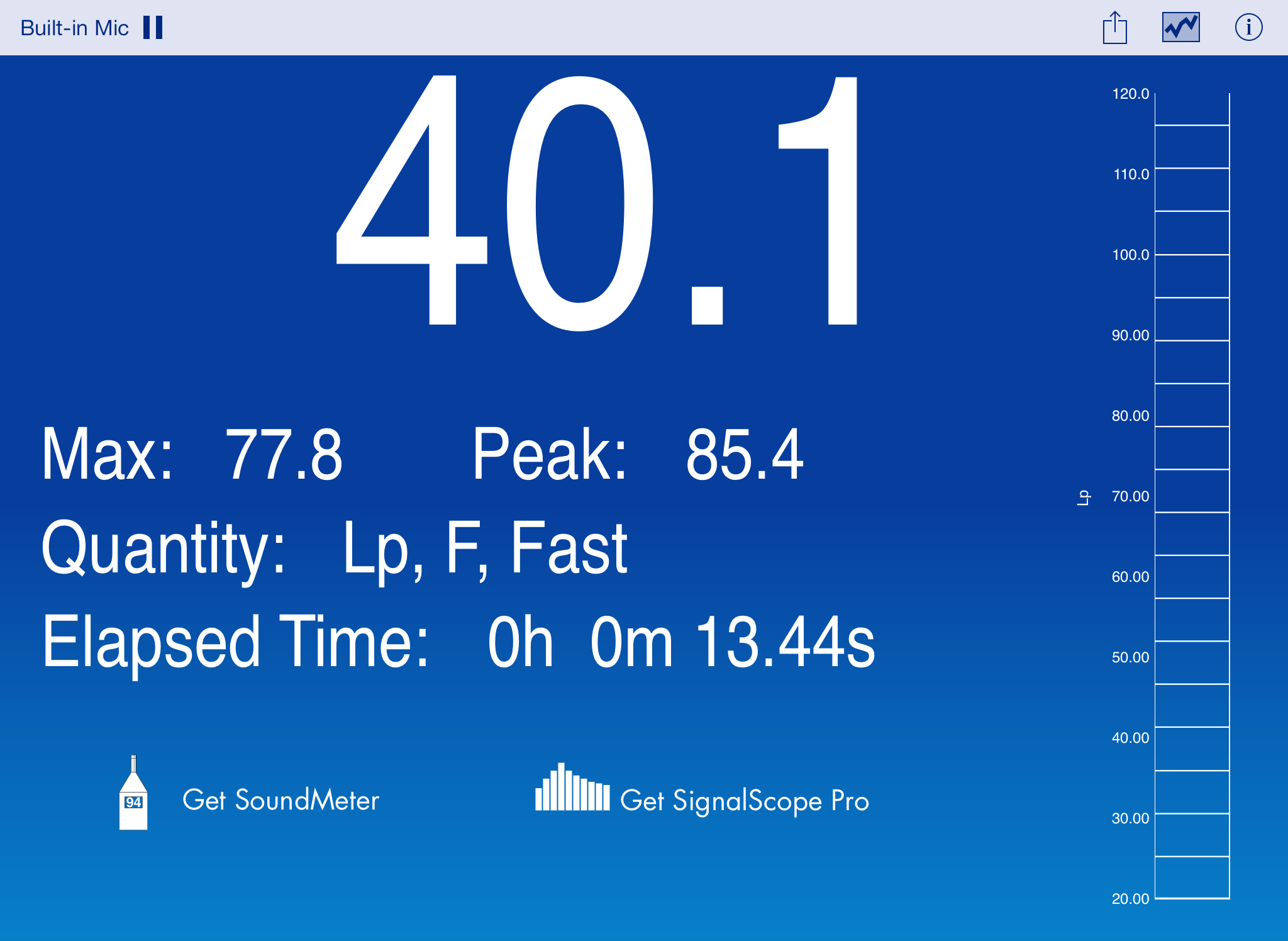
dB turns your iPhone or 2nd generation iPod touch into a simple sound level meter. With it, you can tag the moments of your life -- the big game, standing on a mountain peak, or your best friend's wedding -- in a unique, new way. Getting started is as simple as tapping the app icon in the Home Screen to launch the app. Easily tag your moment with the current sound level, and share it with your friends and family, or the world, via email or Twitter.

dB provides default sensitivities for the built-in microphone and headset microphones from Apple.

Check out http://blog.faberacoustical.com for more information about iOS microphone frequency response.

For microphone calibration, as well as time and frequency weighting options, check out SoundMeter.

FEATURES:

  • Measure average, max, and peak sound levels (dB employs standard fast time-exponential weighting and no frequency weighting).
  • Share your dB's via photos, graphs, email, or Twitter.
  • dB can measure peak sound levels of up to approximately 130 dB on iOS 5 and 105 dB on iOS 4 (peak levels are device/microphone dependent).

NOTE: Although it has been designed to make accurate measurements, with the specified microphones, dB has not been shown to meet ANSI or IEC standards for sound level meters. iOS mic inputs generally pass through a high pass filter which may significantly attenuate frequencies below 200 Hz.

What's new in 2.0

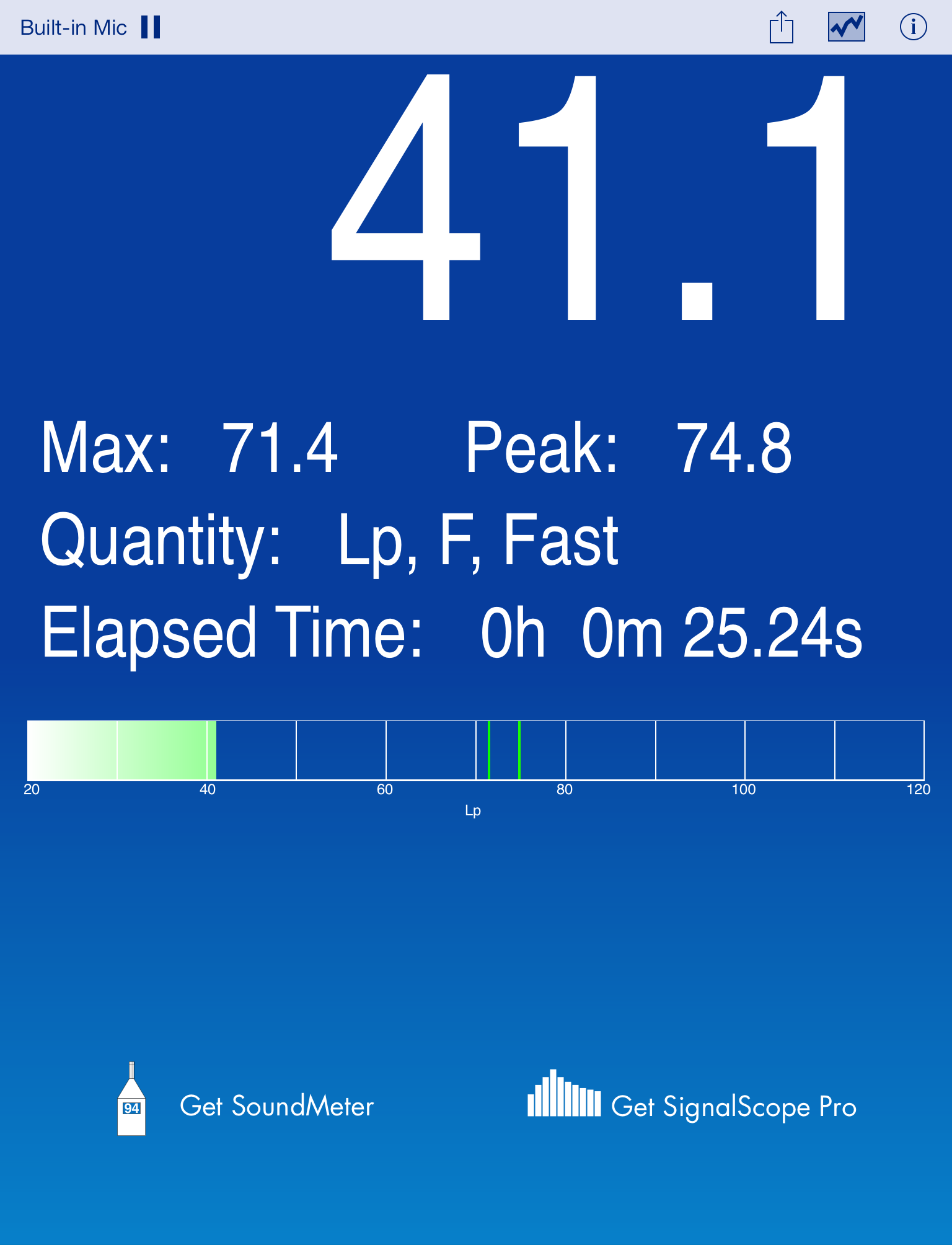
  • dB now runs natively on iPad, as well as on iPhone and iPod touch devices.
  • Three color schemes are supported, offering black, blue, and white background colors.
  • Twitter support has been restored (requires iOS 5 or later).
  • iOS 5 enables iOS devices to measure sound levels up to 120 dB with the built-in microphone and 130 dB with the headset microphone. This is now supported.
  • Default input sensitivities are now managed for each iOS device.
  • iPhone and iPad retina display resolutions are now fully supported.